Free for job seekers
Your climate job search, free
Browse climate roles with no account. Sign up free and keep it all in your job search journal: Your Jobs, goals, notes, and Messages.
Featuring roles from


Find the work that fits
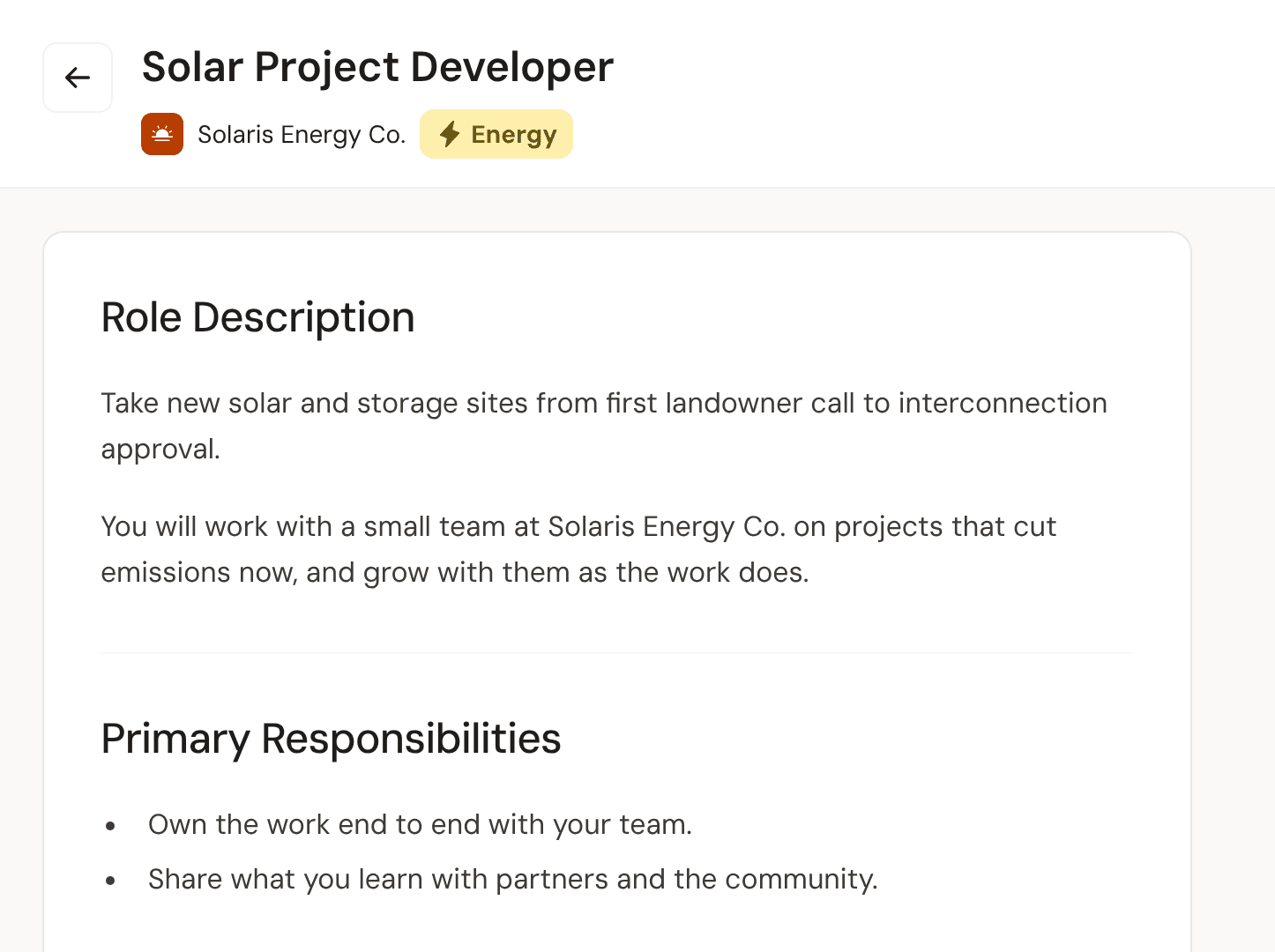
Search the board by title, company, or pathway, narrow it down, and open any role without an account.
Search by any word
The search reads each role's title, description, company, and pathway, and forgives a small typo in a title or company name.
Narrow it to what fits
Filter by workplace, experience, salary, date posted, and pathway, all 21 of them, or show only BIPOC-owned companies.
See the pay up front
Employers have to give a pay range to post a paid role here, so you see it before you apply.
Apply here, keep it all in Your Jobs
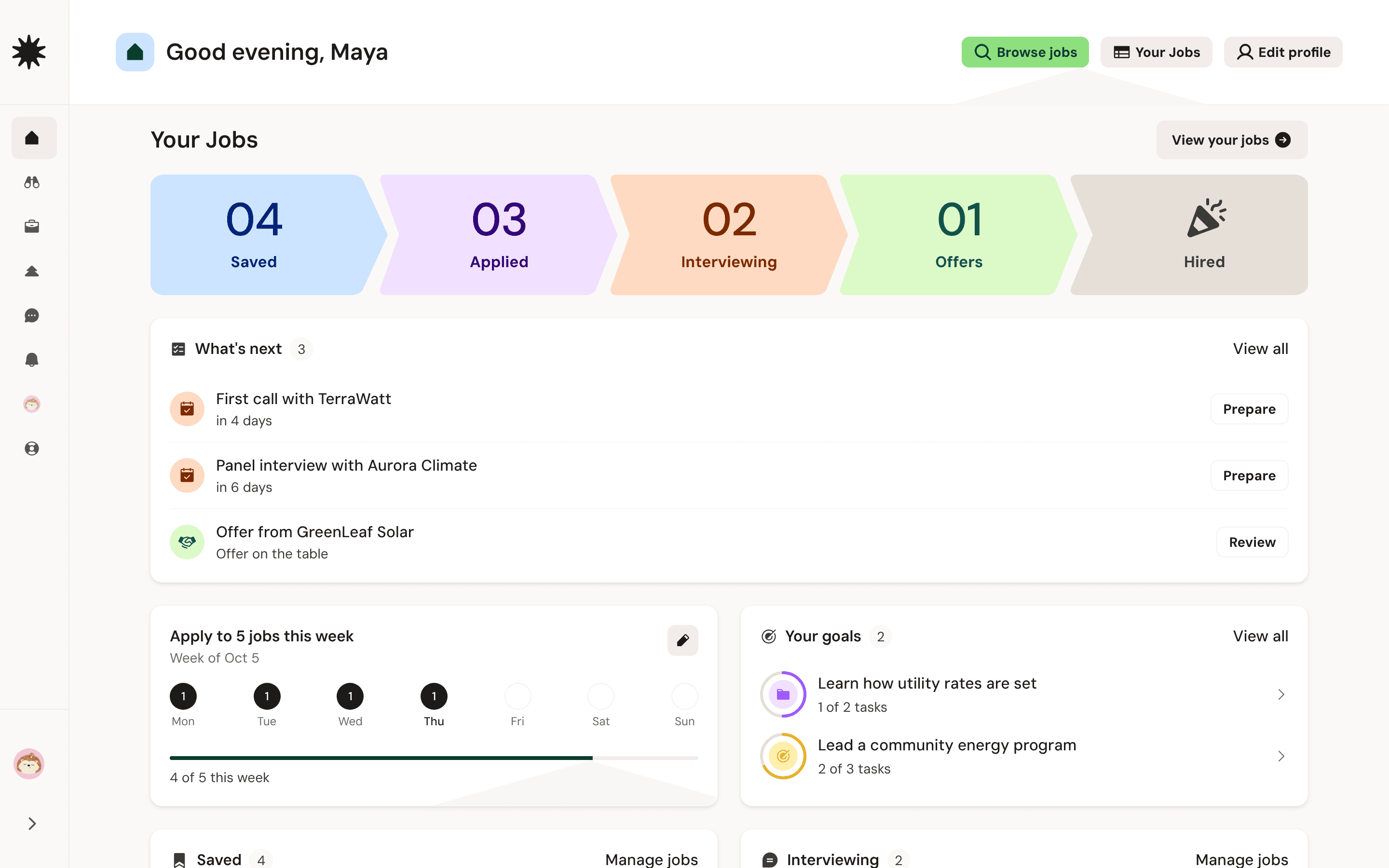
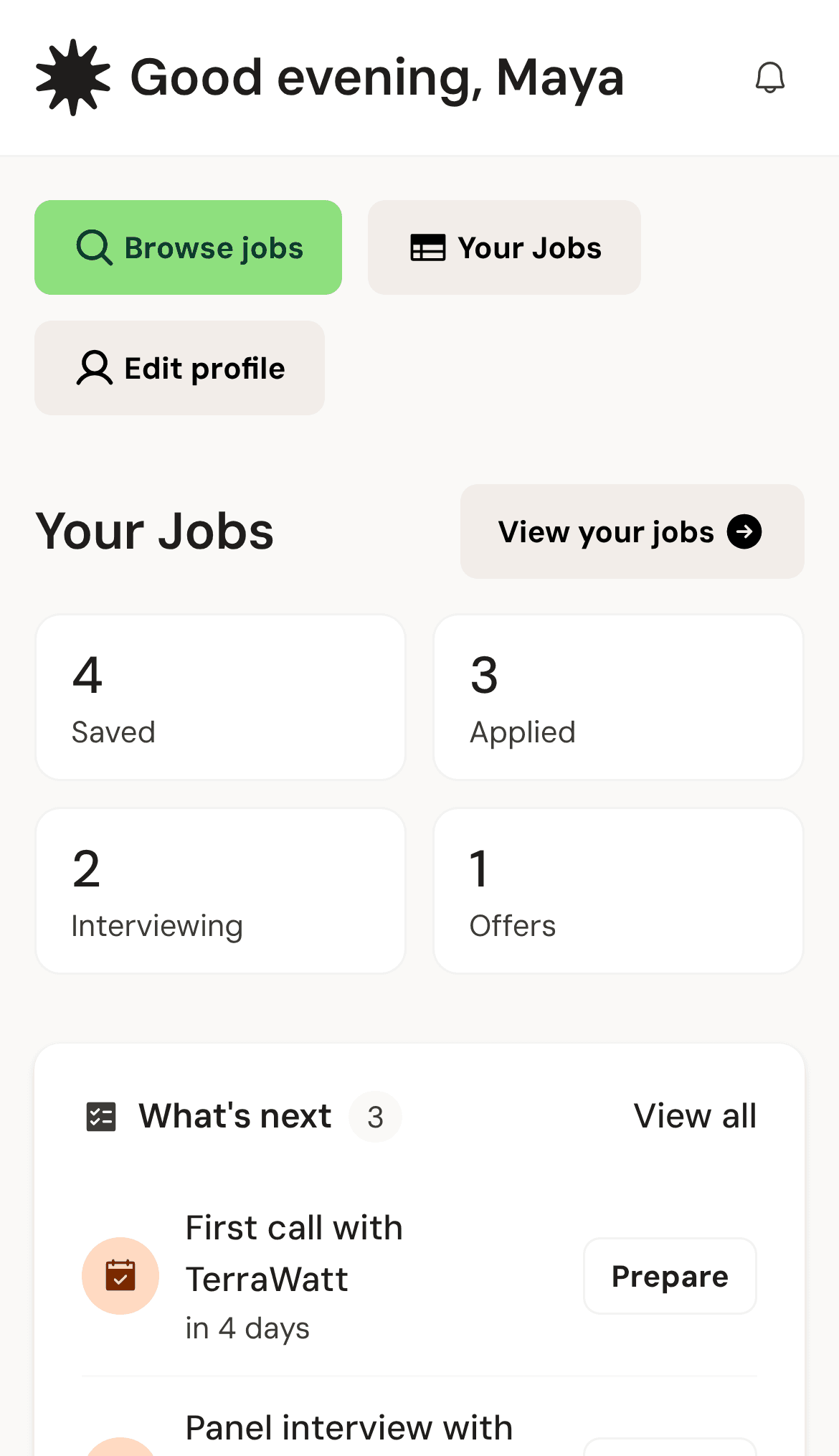
Roles you save, or apply to here while signed in, land in Your Jobs. Add the rest yourself.
Basics, read back
On roles that take applications here, the form reads back your name, email, and other basics from your profile.
Add jobs yourself
Paste a link to a role on any site and check the details it fills in, or type them yourself.
Notes on every role
Each role keeps its own notes. When it reaches the interview stage, move it, and add each round.
Talk with other job seekers and your mentors
Ask someone who's been there, pass along a role worth their time, and keep each conversation about your search in one place.
Requests come first
A first message from someone new waits for your answer, and they won't know you've seen it until you accept.
Pass a role along
Tap + in a conversation to send a role from the board or a Treehouse article as a card.
With your mentor
Once your mentor accepts your request, your conversation opens, and their calls and follow-ups arrive in it.
21 pathways, from Arts & Culture to Water
Pick a pathway and see only the roles in it.
































What a free account adds
Your job search journal: save roles, keep your own record of each application, set goals, and ask a volunteer mentor for a call.
Create free accountSave what fits
Tap Save on any role and it waits under Saved in Your Jobs.
Found when you choose
Employers can search for your profile only after you turn it on. It starts off.
Goals you can tick off
Set goals and break them into tasks. When you apply here signed in, the employer sees every goal.
Ask a mentor
Request a call with a mentor who gives their time, and talk once they accept.
You move each role
Roles you apply to here start in Applied. After that, you move each one yourself.
Questions job seekers ask
Still have questions?
Browse help centerStill have questions?
Browse help centerStart with a search
Free for job seekers. No account needed to browse.